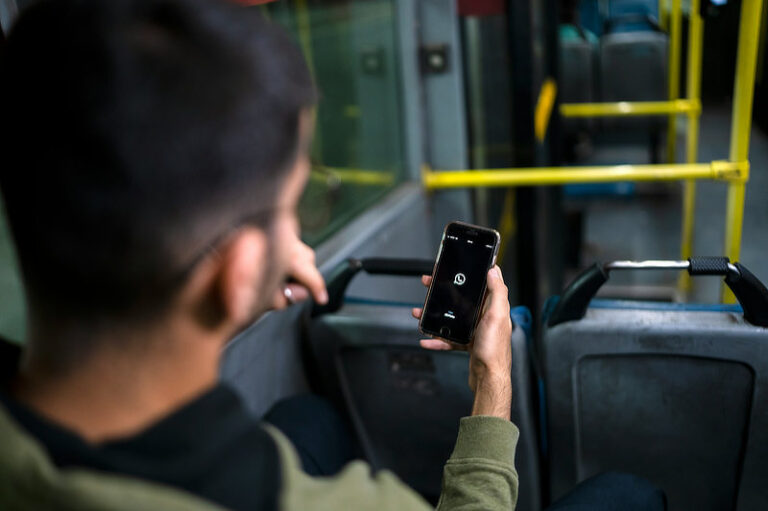
WhatsApp offers a contact-blocking feature that allows users to prevent certain people from contacting them. This feature can be activated directly through the app on a mobile phone.
Once a contact is blocked, that person can no longer communicate with the user, either via text messages or voice calls.
There are several indicators that may suggest your account has been blocked by someone else. However, WhatsApp intentionally keeps these signs inconclusive in order to protect user privacy.
Here are 6 signs your WhatsApp number may have been blocked, according to WhatsApp.
1. Single Check Mark
Normally, a sent message is marked by two check marks, indicating it has been delivered. If the check marks turn blue, it means the message has been read.
If neither of these appears and you only see a single check mark—or none at all—it could mean you’ve been blocked. However, it could also simply be that the message wasn’t delivered due to a lack of internet connection.
2. Unable to View Status Updates
You won’t be able to see someone’s WhatsApp Status if they have blocked you. This could also be because the user has set their Status privacy to be visible only to selected contacts.
3. No Profile Photo Visible
Another possible sign of being blocked is the inability to see the person’s profile photo. However, this could also indicate that the user has chosen to hide their photo, doesn’t use one, or hasn’t saved your number in their contacts.
4. Unable to Make Calls
If you’ve been blocked, you won’t be able to call that person on WhatsApp. The call status will remain “calling” instead of switching to “ringing”.
Still, there’s no need to panic right away. The person may simply be offline, out of mobile data, or in an area with poor internet coverage.
5. Unable to Add to a Group
Another sign relates to WhatsApp groups. If someone has blocked you, you won’t be able to add them to a group chat.
6. Last Seen Status Not Visible
You may also be unable to see the person’s “Last Seen” status, which normally indicates when a user was last active on WhatsApp.
However, this doesn’t necessarily mean you’ve been blocked. The user may have disabled the Last Seen feature entirely, making it invisible to everyone.
Blocking via Notifications
WhatsApp has also introduced a new feature called Block Shortcut. According to a report by WABetaInfo, this feature allows users to block unknown contacts directly from the notification bar without opening the chat.
The feature is designed to add an extra layer of security and save time when blocking unwanted contacts.
This marks an important step in preventing spam and phishing attacks, as users can quickly block untrusted contacts before they have a chance to access any sensitive information.