
Creating eye-catching TikTok content takes the right video editing tools. CapCut is often the go-to choice thanks to its wide range of creative features.
Despite that, many other apps now offer similar functions—some even come with their own unique advantages. Switching things up or trying an alternative can help you discover an editing style that better fits your content.
Here are 5 CapCut alternative apps for editing TikTok content. Definitely worth trying if you’re aiming to go viral!
1. KineMaster
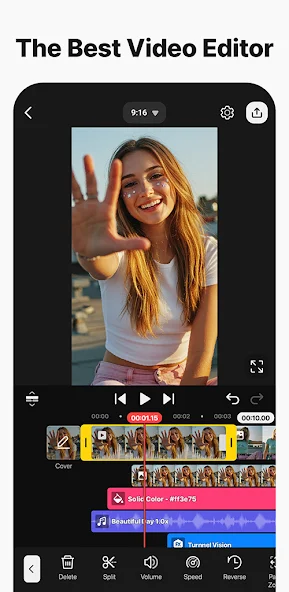
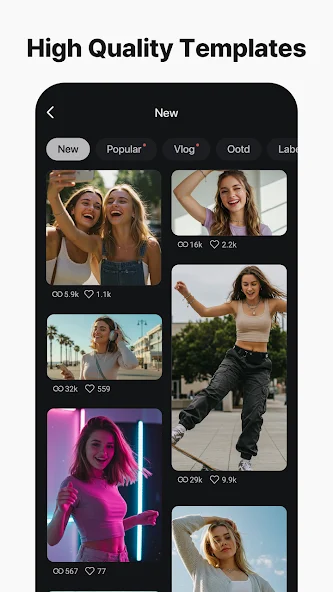
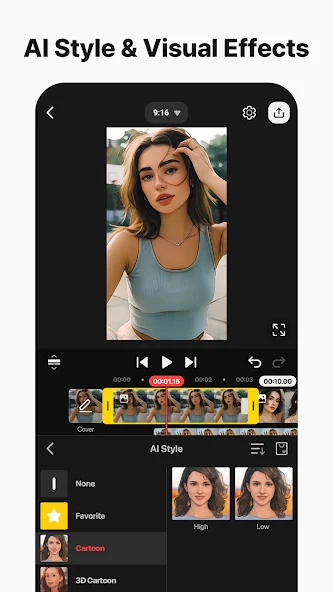
KineMaster is widely known as one of the most powerful mobile video editing apps, with features that come close to desktop-level editors.
It supports multi-layer editing, chroma key for green screen effects, and complex transitions that can elevate your TikTok videos. KineMaster also allows high-resolution exports, including 4K.
While its interface may feel a bit more complex than other apps, KineMaster’s advanced tools give creators full control to experiment. Keyframe support and audio mixing features also help produce more cinematic and precise videos.
2. Edits
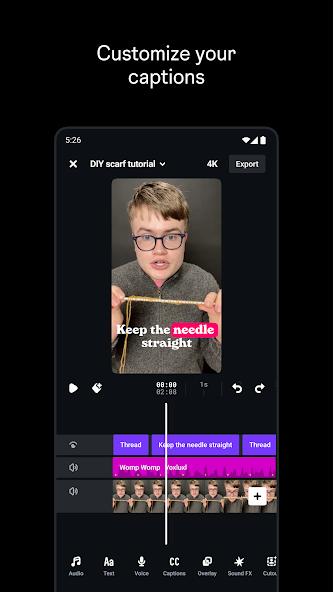
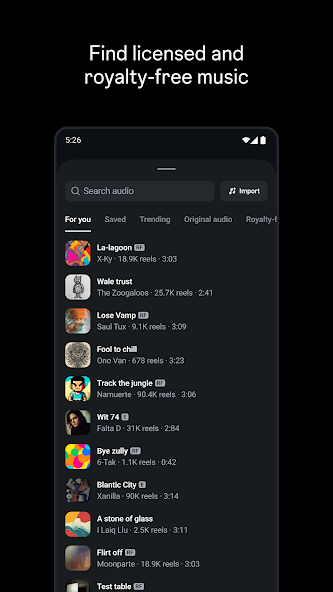
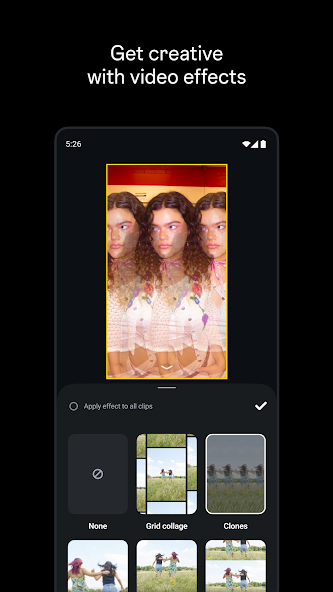
Edits is a video editing app launched by Meta as a direct competitor to CapCut. It comes packed with creative tools such as AI-powered photo animations, green screen features, and automatic subject cutouts.
The app also offers project management tools and video performance analytics, helping creators better understand audience engagement.
Designed with serious content creators in mind, Edits delivers a richer editing experience than basic Instagram tools. Features like subject cutout make it easier to create dynamic, professional-looking videos.
3. YouCut
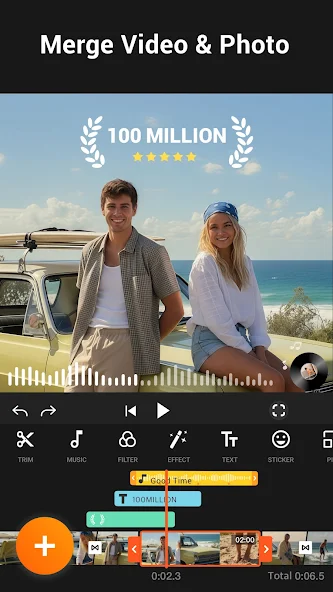
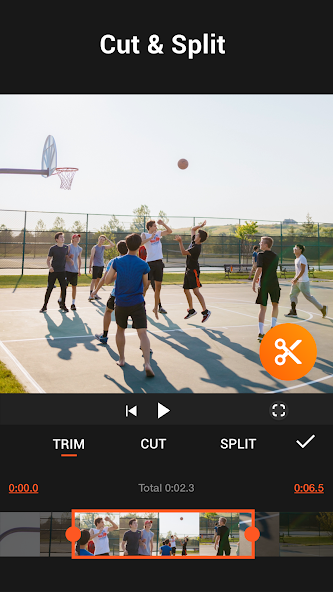
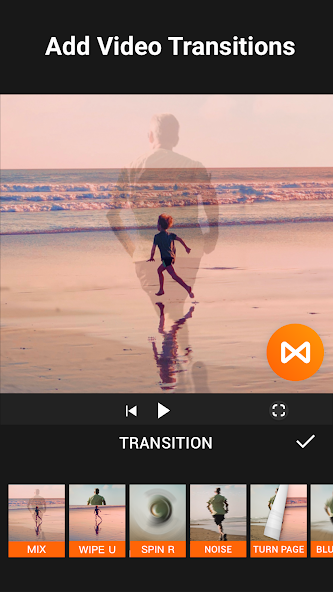
YouCut is a great option for beginners. It supports trimming, merging clips, transitions, and text—without adding a watermark to exported videos. The interface is simple, yet all essential features are included.
Often recommended as an easy-to-use CapCut alternative, YouCut may not be as feature-rich as professional editors, but it’s ideal for TikTok content that prioritizes speed and simplicity.
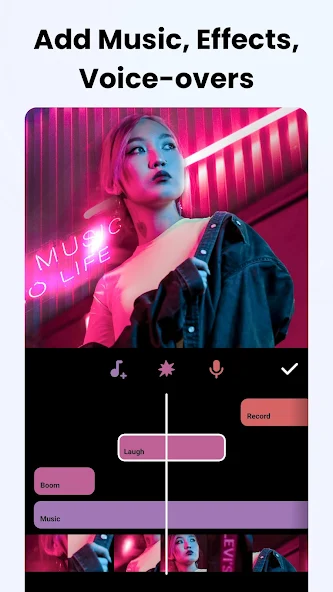
You can add music, adjust vertical video ratios, and fine-tune color effects in just a few minutes.
4. InShot
InShot is a popular video editing app for social media content, including TikTok. It offers trimming tools, speed controls, text, stickers, and music through a very user-friendly interface.
The app also makes it easy to adjust video ratios—whether vertical or horizontal—to match different platforms. Many creators rely on InShot to produce quality content without complicated editing workflows.
With creative visual effects and ready-made presets, your videos can look polished in just a few taps.
5. Filmora
Filmora is a well-known video editing app on PC and is also available in a mobile version.
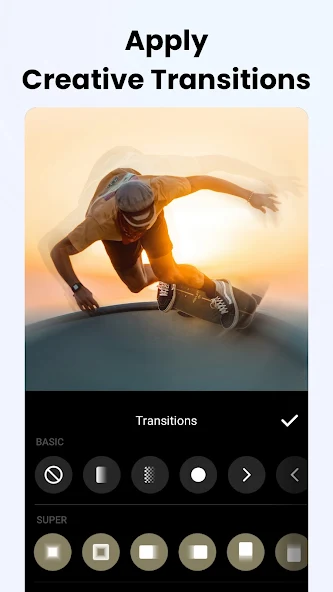
Thanks to its wide selection of creative effects and transitions, Filmora helps users produce professional-looking content without a steep learning curve. Its intuitive interface works well for both beginners and experienced creators.
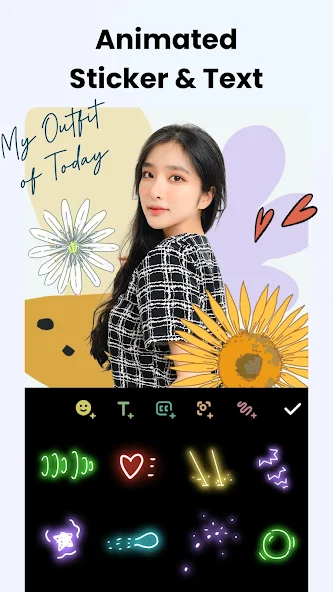
Filmora also offers a rich collection of text titles, overlays, and color filters that can be easily adapted for TikTok content. Tools like speed control and animation effects add a polished touch to short-form videos.
This is why many TikTok creators choose Filmora for its well-rounded feature set.
Final Thoughts
All five CapCut alternatives above can be downloaded for free from the Play Store and App Store.
Among them, Edits is the only app that does not offer a subscription plan and is completely ad-free. However, its features are more limited compared to the other four apps.
So, have you picked one of these alternatives—or are you sticking with CapCut?